Enhancing SOHO Network Security with a Firewall
Project Overview
This project focused on designing and securing a Small Office/Home Office (SOHO) network by simulating firewall functionality using a router and Layer 3 switch. The goal was to control network access through Access Control Lists (ACLs), enforce segmented security policies, and demonstrate how firewall rules can block, allow, and restrict traffic based on device roles and IP addresses.
Objectives
- Strengthen SOHO network security using firewall policies and ACLs.
- Control access to sensitive network resources such as router configuration settings.
- Simulate real-world scenarios where some devices are restricted while others have full access.
- Test and validate firewall rules using ping and web simulations.
- Document configurations and reasoning for applied security measures.
Tools and Technologies
- Cisco Packet Tracer – for simulating SOHO network and firewall configurations.
- Router / Layer 3 Switch – configured to act as the firewall.
- Access Control Lists (ACLs) – to define and enforce network access policies.
- End Devices – including Admin PC, User PCs, and test clients.
- Ping & Web Simulation Tools – to verify ACL effectiveness.
Project Scenario
A small office/home office environment required enhanced network security. To achieve this, the firewall was configured to:
- Block unauthorized inbound traffic.
- Restrict access to router settings so only the admin PC could modify configurations.
- Create differentiated policies where one user device was denied internet access while another remained fully functional.
Workflow
Step 1: Network Setup
- Designed a SOHO topology including a router, Layer 3 switch, admin PC, user PCs, and internet simulation.
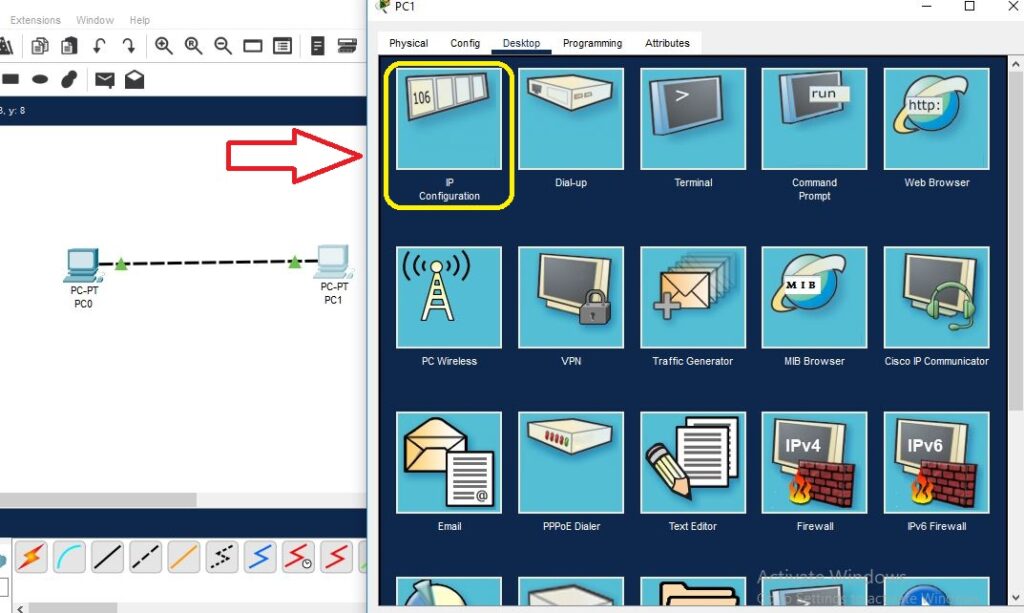
- Configured IP addressing for all devices.
Step 2: Firewall Configuration Using ACLs
- Created standard and extended ACLs to control both inbound and outbound traffic.
- Applied rules to specific interfaces on the router.
Step 3: Access Restrictions
- Blocked unauthorized IPs from reaching internal resources.
- Allowed only the admin PC to access router settings.
- Configured policies to restrict one device from accessing the internet while allowing others.
Step 4: Testing Firewall Rules
- Used ping tests and web simulations to confirm ACLs worked as expected.
- Verified that blocked devices could not reach the internet or the router, while authorized devices retained full connectivity.
Step 5: Documentation
- Recorded firewall configurations, ACL rules, and verification results.
- Provided reasoning for each rule to demonstrate best practices in network security.
Key Findings
- Properly configured ACLs can simulate firewall behavior effectively in SOHO environments.
- Granular access control enhances network security by restricting unauthorized traffic and protecting sensitive administrative interfaces.
- Differentiated policies improve flexibility by allowing or blocking internet access based on device role.
Recommendations
- Implement role-based access controls for administrative resources.
- Combine ACLs with network segmentation for improved isolation of sensitive systems.
- Monitor firewall logs regularly to detect policy violations and potential threats.
- Enforce strong authentication for admin interfaces to further secure router settings.
Learning Outcomes
By completing this project, I gained practical experience in:
✅ Configuring router-based firewall functionality using ACLs.
✅ Designing security policies for SOHO environments.
✅ Implementing role-based access control for sensitive resources.
✅ Testing and validating firewall rules using simulation tools.
✅ Documenting configurations and explaining security design decisions.
Skills Highlighted
Network Security
Firewall Configuration (ACLs)
Cisco Packet Tracer Simulation
Access Control & Policy Design
Testing & Troubleshooting Network Security
Documentation & Reporting